Zen Brush 3
Not to be confused with ZBrush
I just came across this app called Zen Brush 3, don't ask me how, but anyways, it's a cool little app that—apparently—simulates ink brushstrokes very well!
Zen Brush 3 is a drawing app focused on the strong yet beautiful feel of the East Asian ink brush. Create subtle expressions with the newly added "water" and "color" functionality. Providing a simple and intuitive user interface imbued with the Zen spirit, this app is designed to be optimal for performing Zen art.
As I'm learning Japanese, and doing my homework by hand instead of typing, this app will definitely come handy.
In terms of brushes, as far as I can tell there's only 2, which you can change its size, tilt sensibility, etc.
In terms of papers... well, there are a bunch of papers to choose from. Including papers with frames.
It's not free, but it's not a subscription based app, so that's something. And it's not expensive either!
Unfortunately it's not available on macOS, but at least the iPad version works super well with the Apple Pencil.
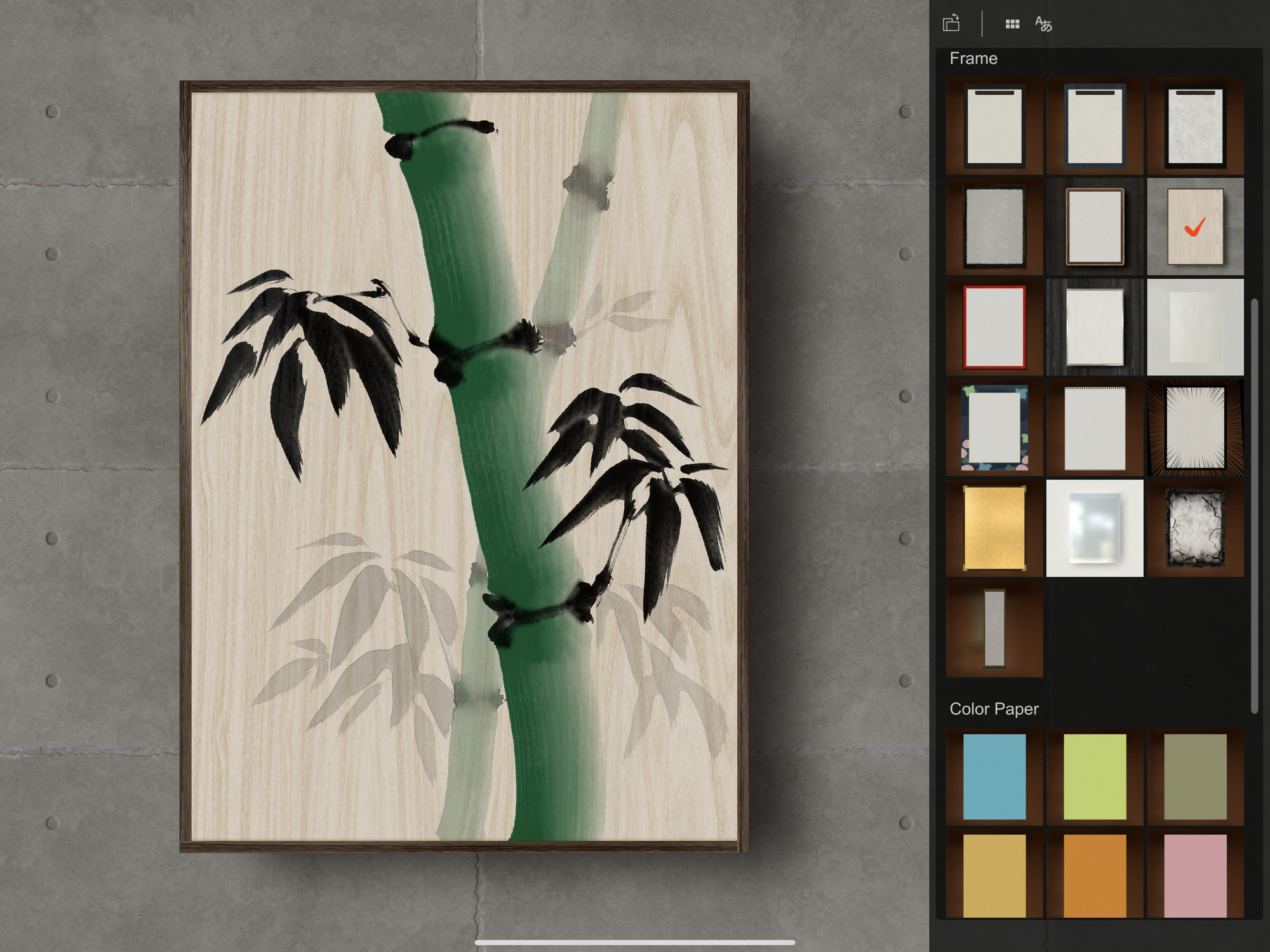
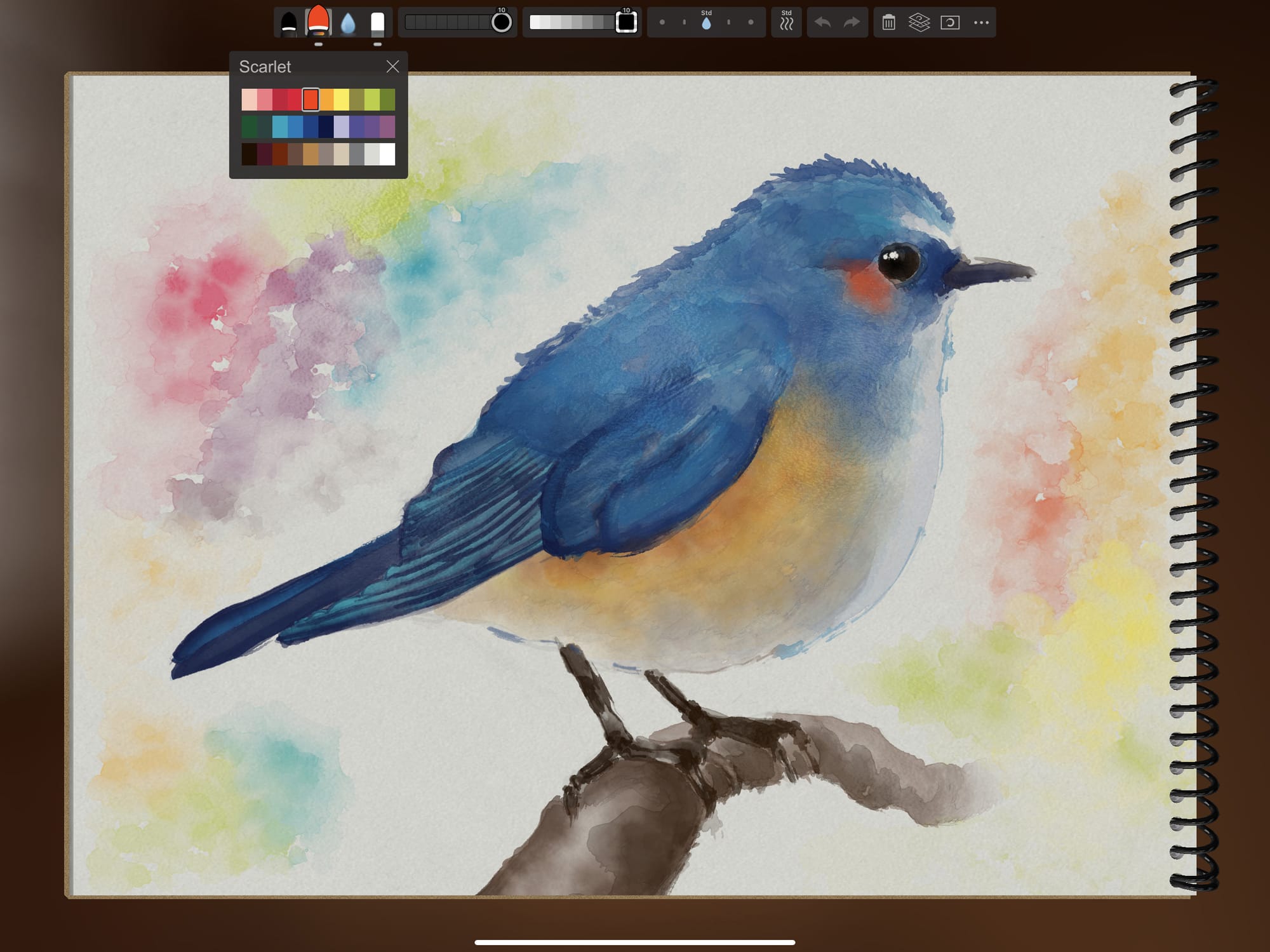
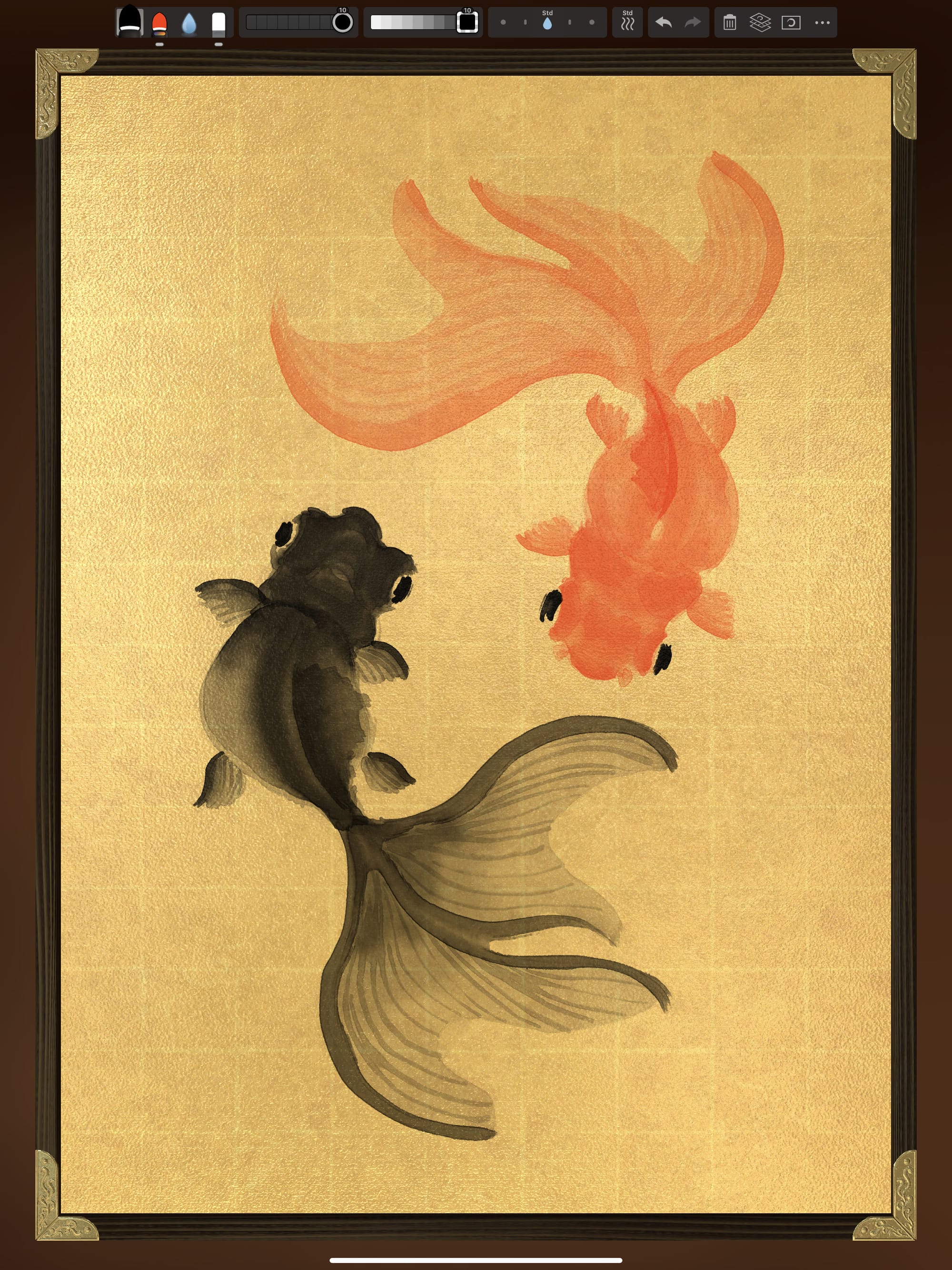
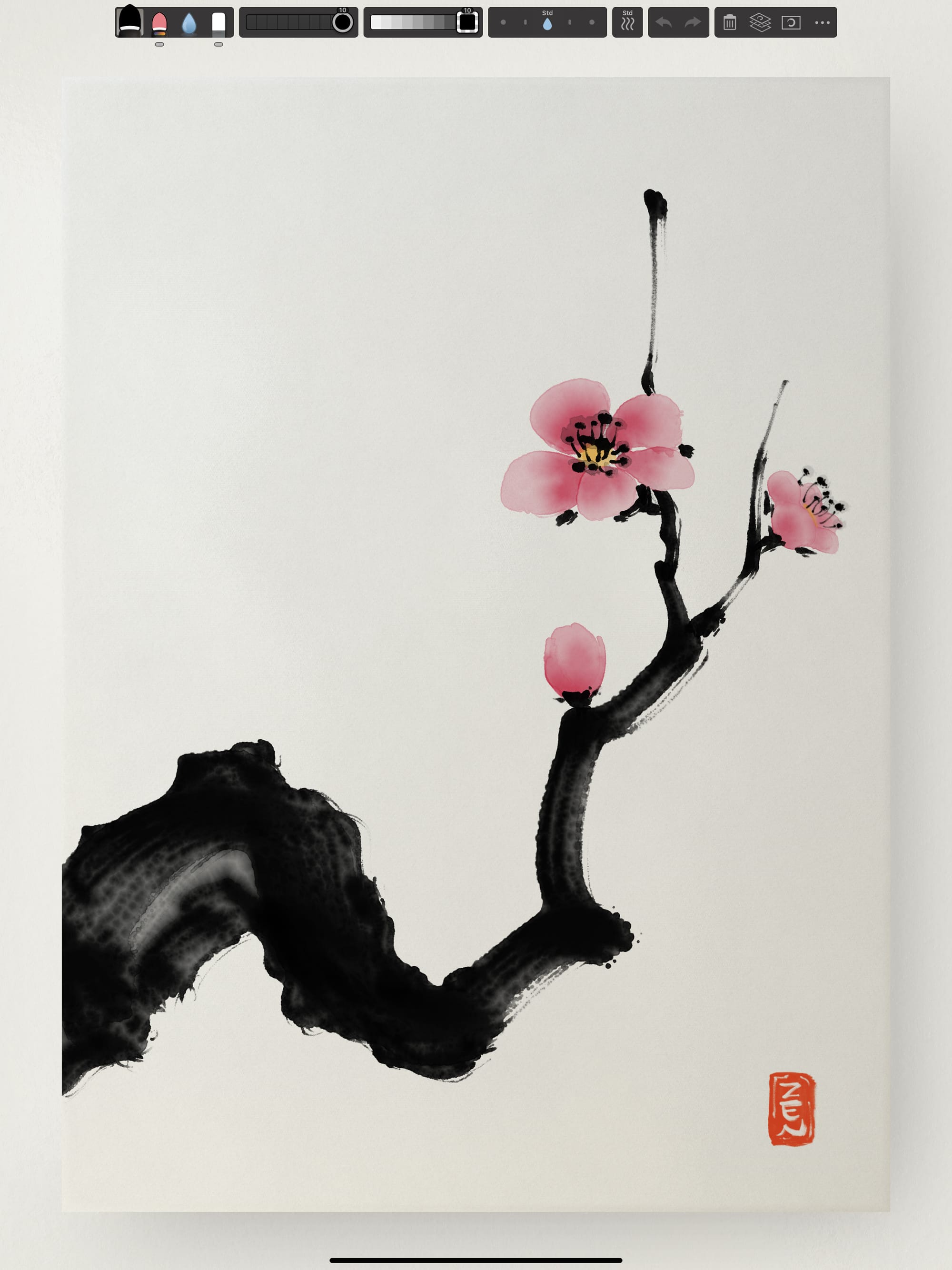
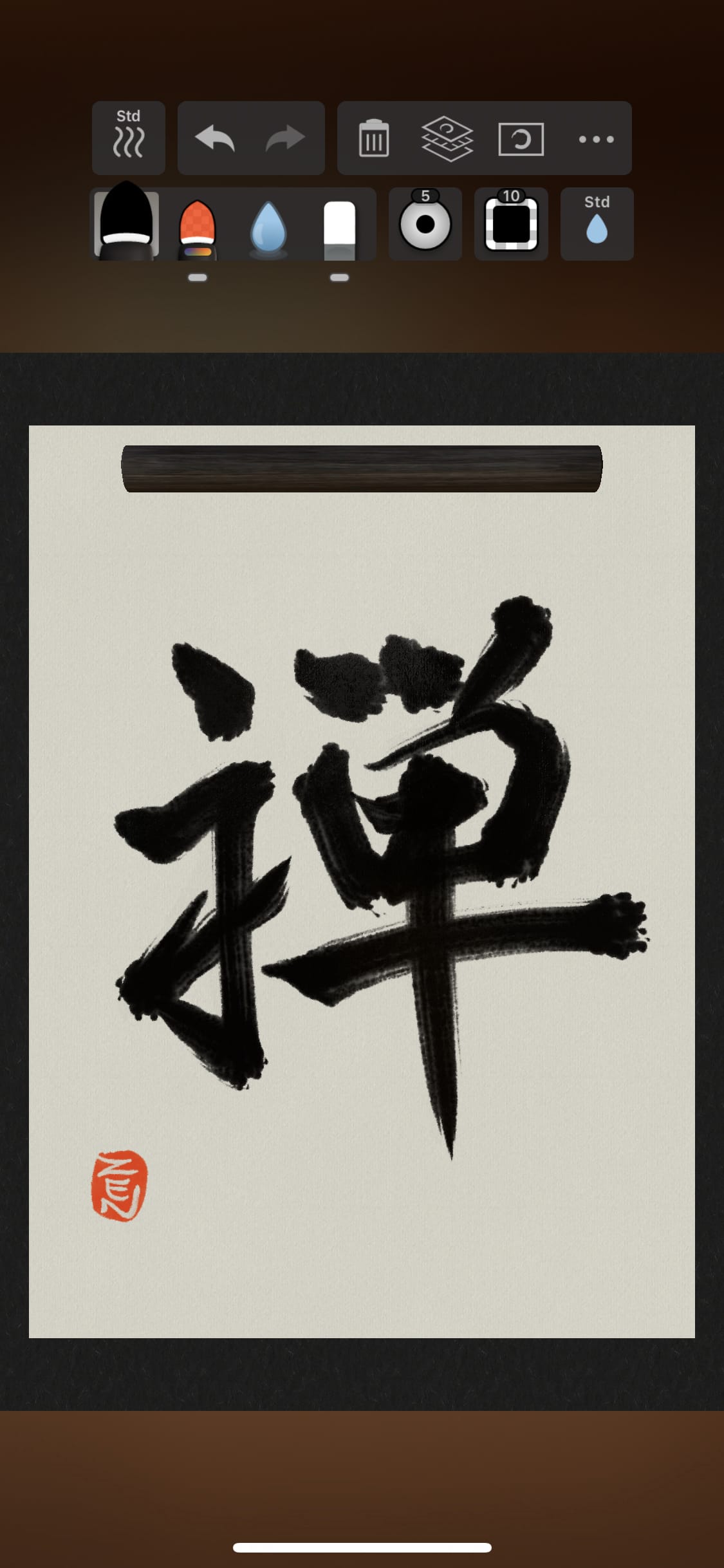
Some official screenshots from Zen Brush 3's press kit release