ZBrush for iPad: first impressions
Today ZBrush for iPad was finally released. I’m still testing it and re-learning how to use ZBrush, but here are my first impressions anyway.
For context I’m using an iPad Pro M2 with 8GB RAM and 128GB storage.
Pricing
Wait! Before my first impressions let’s talk about pricing.
You can use ZBrush for iPad free, with a bunch of limitations. It’s not as limited as ZBrush core mini, so that’s a plus.
ZBrush for iPad (Free Plan): For anyone wanting to try the world's leading digital sculpting application, ZBrush for iPad also has a free plan that offers a robust sculpting experience with an introductory set of 28 of the most popular brushes and limited features for tools like Dynamesh, SculptrisPro, ZSpheres, and ZRemesher.
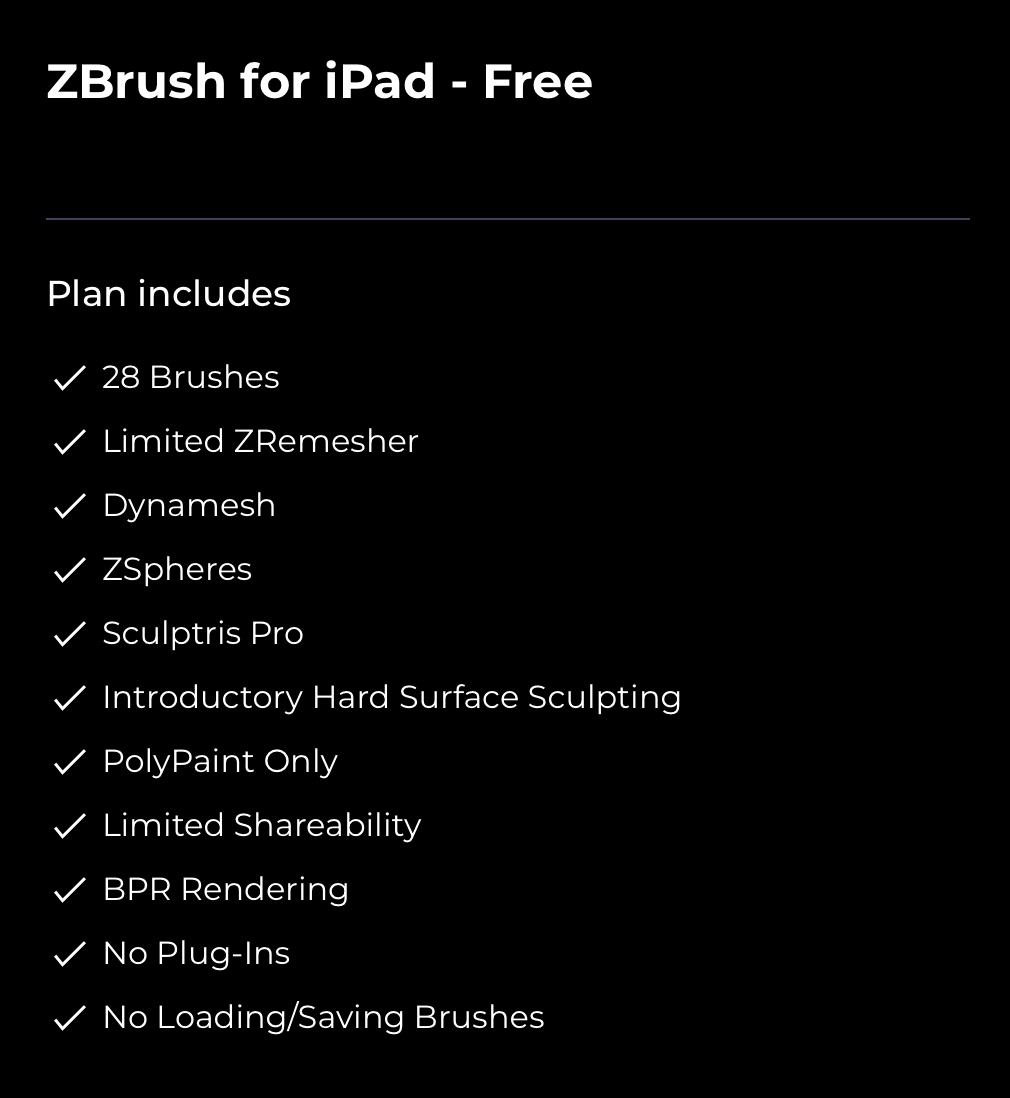
The full version is paid. $90 per year I guess it’s fair if you are already a professional who uses ZBrush daily.
ZBrush for iPad (Subscription): ZBrush for iPad provides the same multi-resolution mesh editing capabilities found inside the desktop version. Whether you are creating realistic characters and creatures or laying the foundations for new and never-before-seen environments, ZBrush for iPad has what you need to bring your artistic pursuits to life.
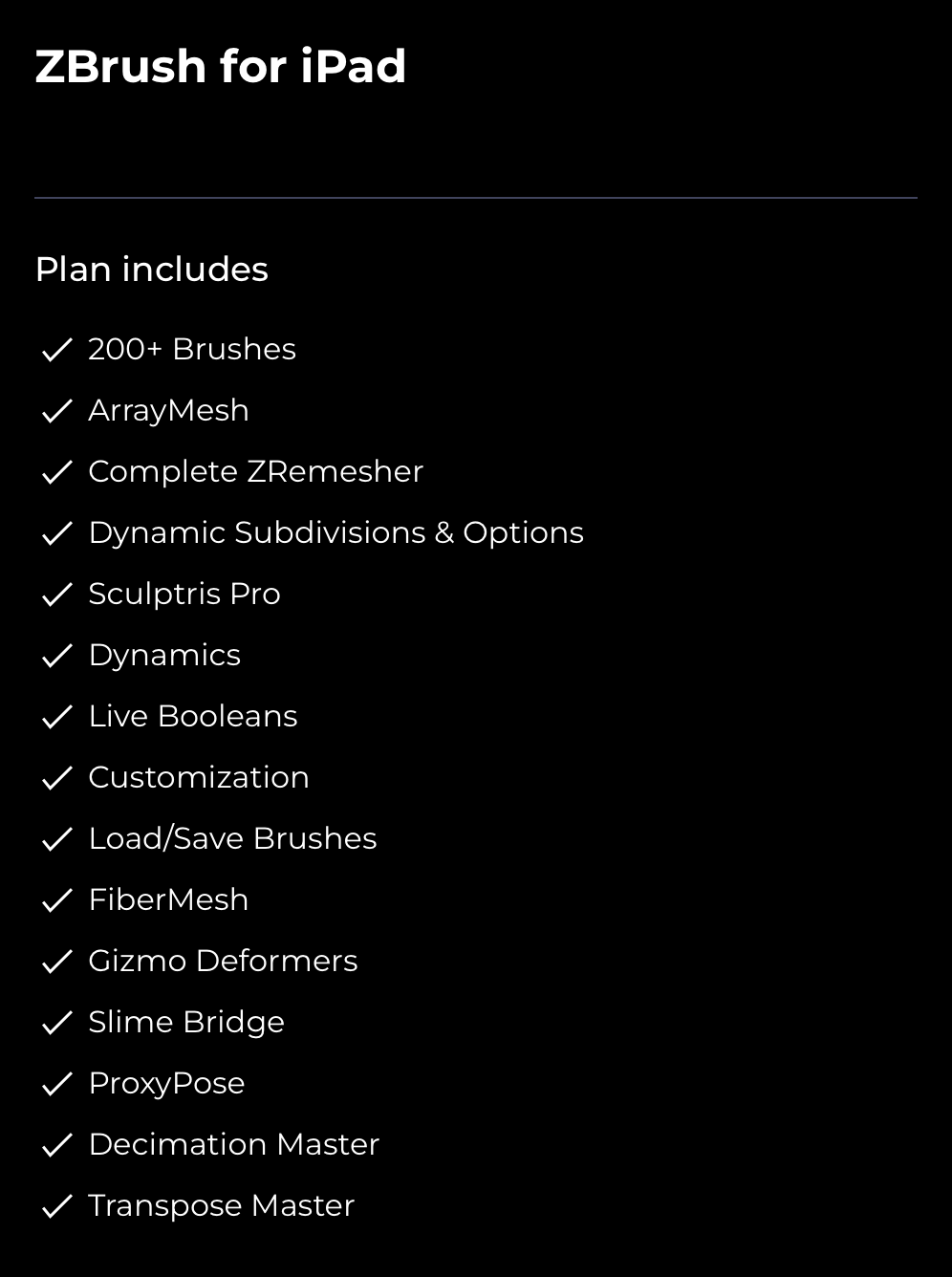
Maybe if you are a hobbyist using an alternative such as Nomad is probably a better deal.
The good news is that if you have the ZBrush for desktop subscription, the iPad version is included!
The full list for comparison can be found here.
First Impressions
Ok, I really like the user interface. ZBrush for desktop has a user interface that looks like it will break as soon as you click any button. Granted, it’s super customizable but it’s weird. And probably with time you get used to it, but in any case, it’s weird.
I’m so glad that they created a new user interface, with touch in mind. And it’s looks good!
I’m glad that gestures and shortcuts that most iPad apps use are here as well. Double fingers tapping to undo, triple fingers tapping to redo, slide up and down to increase the brush size, and so on!
It seems that keyboard shortcuts are also supported, another point for Maxon.
Speed-wise, so far, no issues at all. It runs super smooth and the iPad itself didn’t get hot. Again, so far so good.
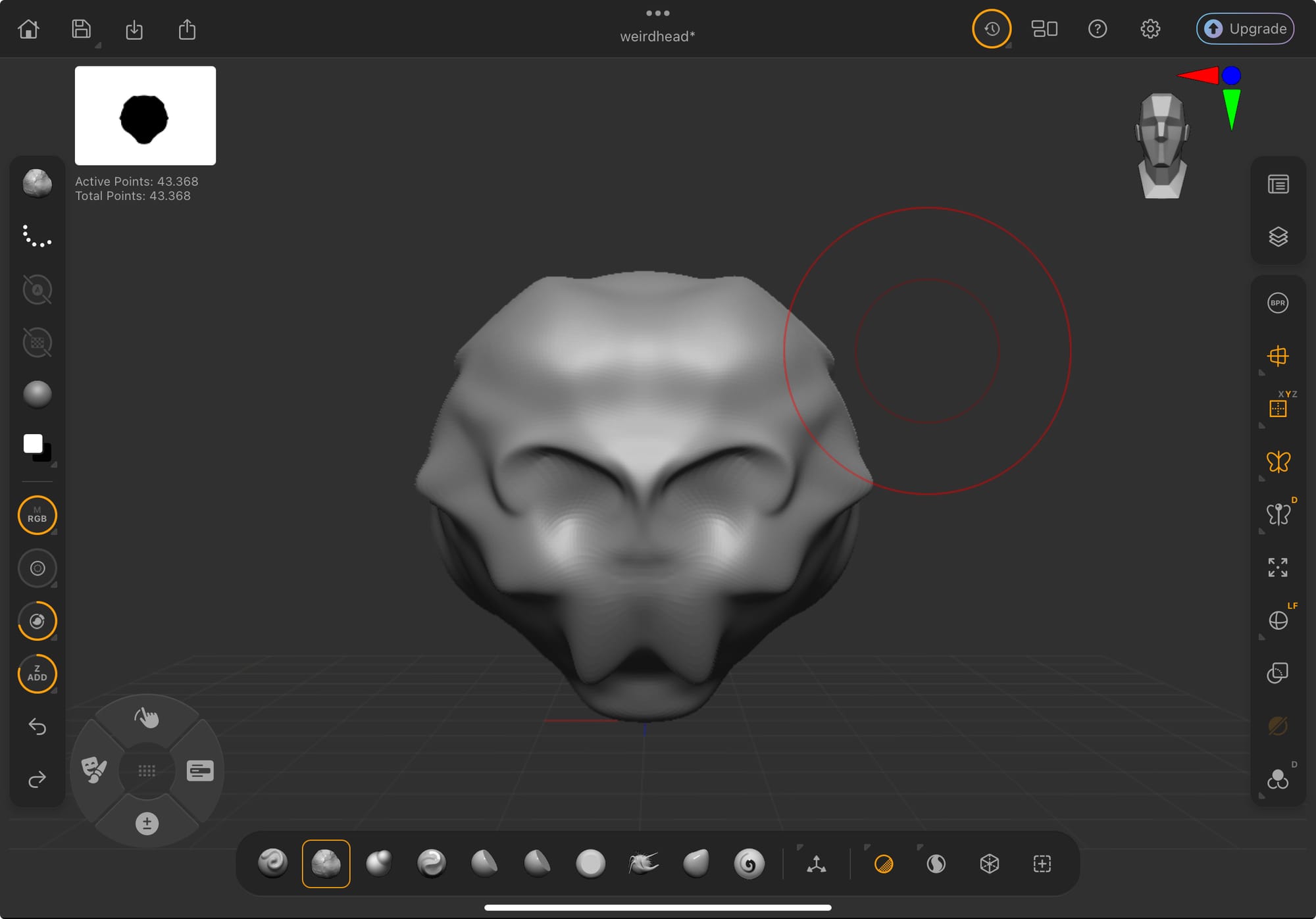
Now, if you excuse me, I'll be sculpting a bit more, not that I know what I'm doing.
Cheers!