My go-to painting apps
Since I started my artistic journey—for real, not just as a hobby—I've tested and used a bunch of different painting/drawing apps, for both macOS and iPadOS.
Or should I say software? Again, what's the difference between apps and software? Are there any?
I'll just call them apps. Ok, back to what matters.
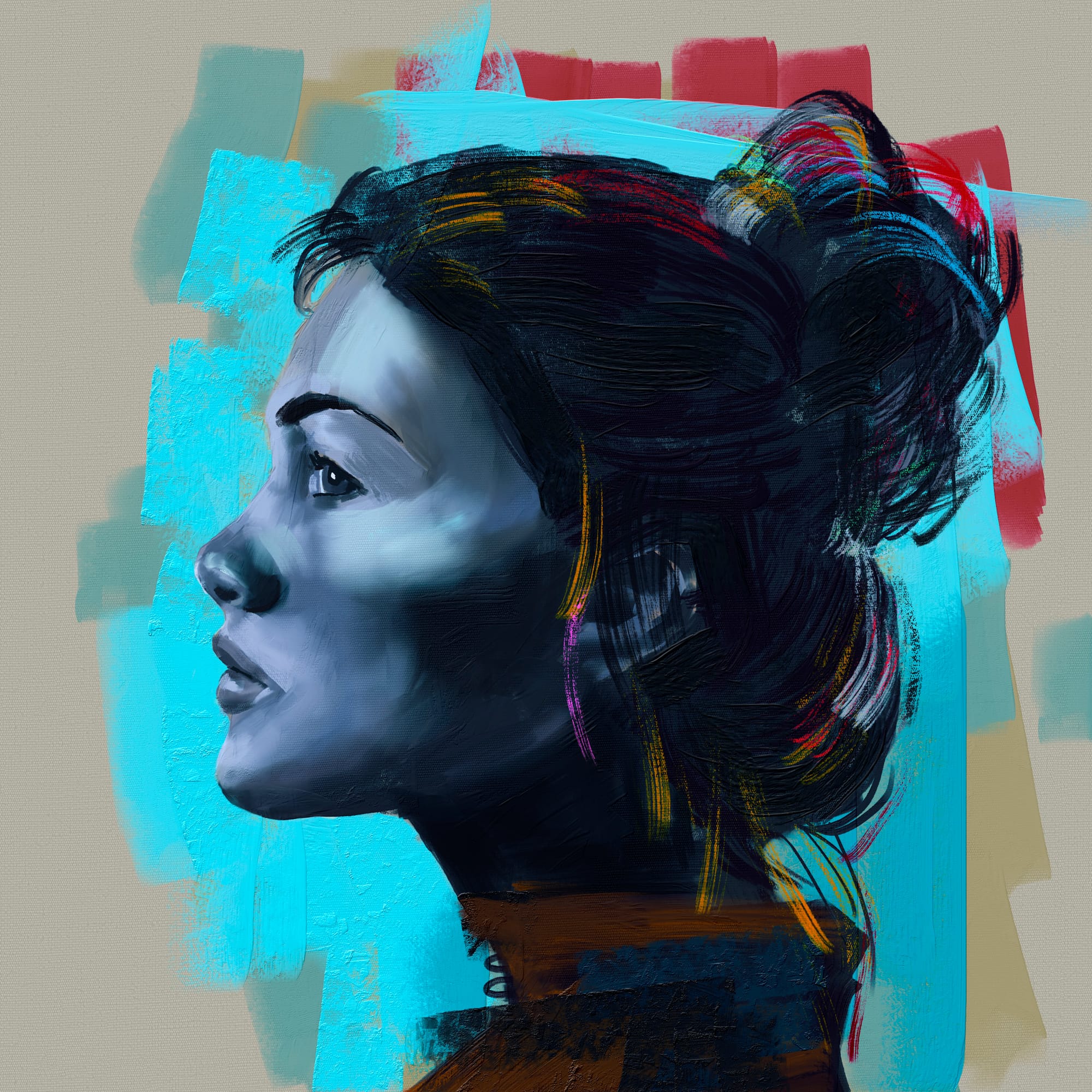
Rebelle
I discovered Rebelle around a year ago, while reading a post about Across the Spider-Verse on before & afters.
I was quite surprised that such app existed, and even more surprised that it wasn't yet another subscription based app. With a fixed price, I immediately bought it and I was blow by how insanely well does the brush engine works.
If you are new to digital painting in general, you might not now, but the way probably all the apps/software mixes colors are way different than in real live. In real life, if you mix yellow and blue, for instance, you'd get green, where on digital, you'd get a weird gray-ish/brow-ish color. But that's not the case with Rebelle (as long you have the Pigments setting enabled), mixing color works as close as real live!
Go check all its features here!
As of now, Rebelle is only available on desktop (macOS and Windows). There are some rumours that Escape Motion is working on a iPad version, and I hope that will be true eventually.
Procreate
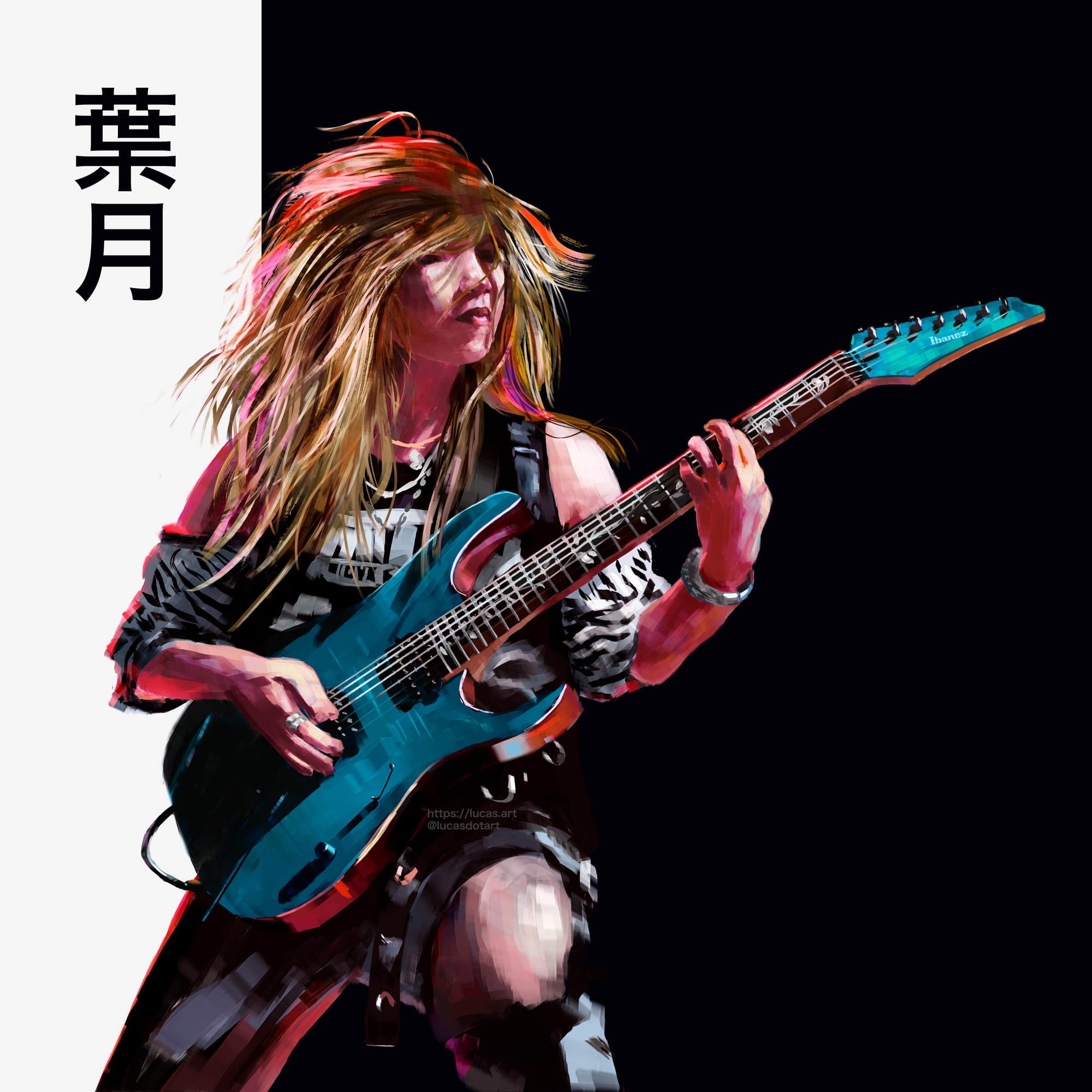
Probably the most used and famous painting app for the iPad, Procreate was released way back in 2011, so yeah, it's been 13 years already. For $12.99 (not a subscription, this is its price, buy and own it) Procreate offers a well thought user experience all around, with its clean user interface and fantastic brushes, Procreate it's a solid choice for any artist out there.
I love how Procreate automatically record your painting process, so no need to remember to hit the record button.
I also love its default shortcuts, like the famous two-fingers-double-tap to undo, and three-fingers-double-tap to redo.
Currently Procreate is only available on iPadOS and iOS (Procreate Pocket). Hopefully someday a macOS version will be released.
Infinite Painter
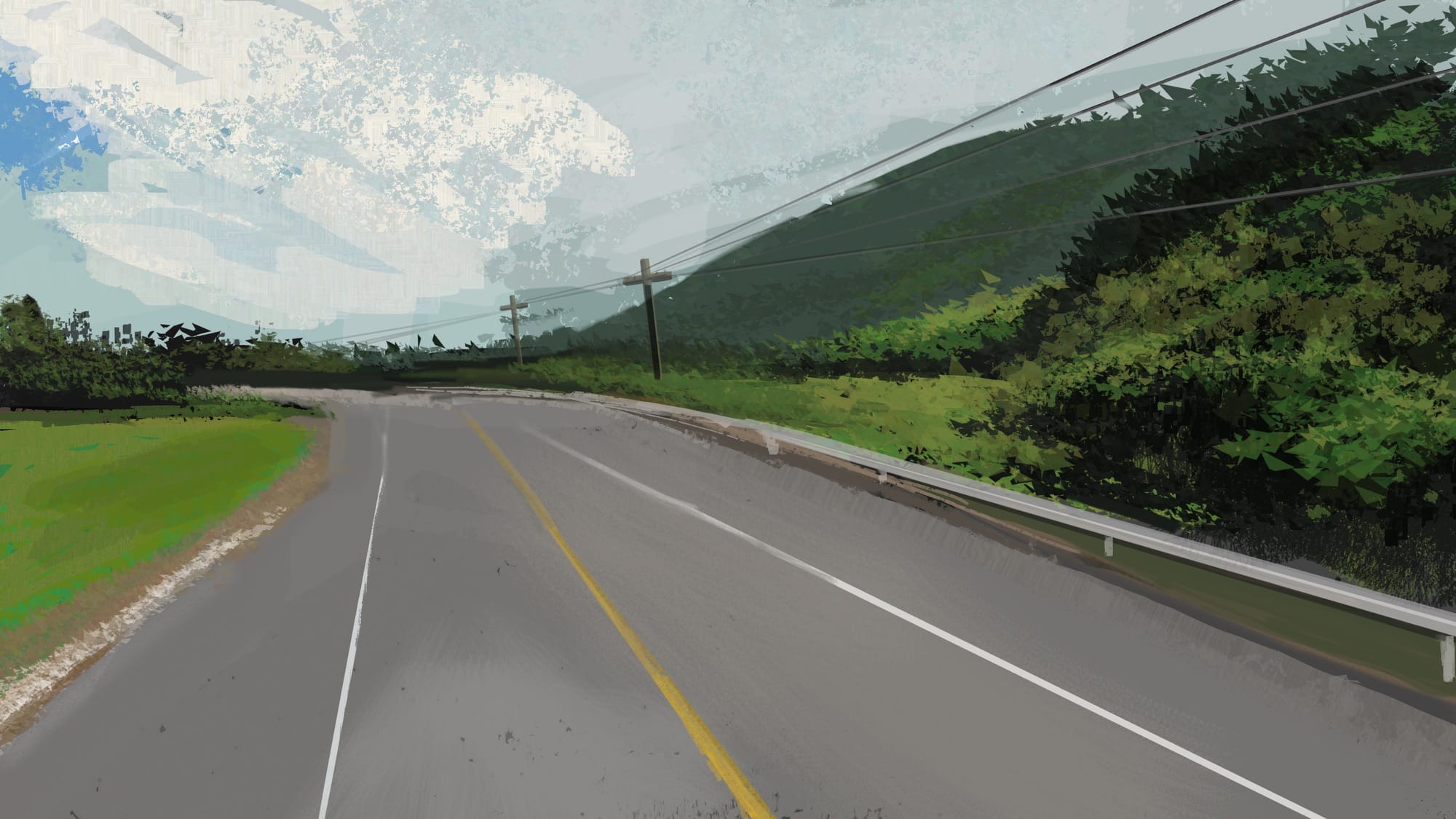
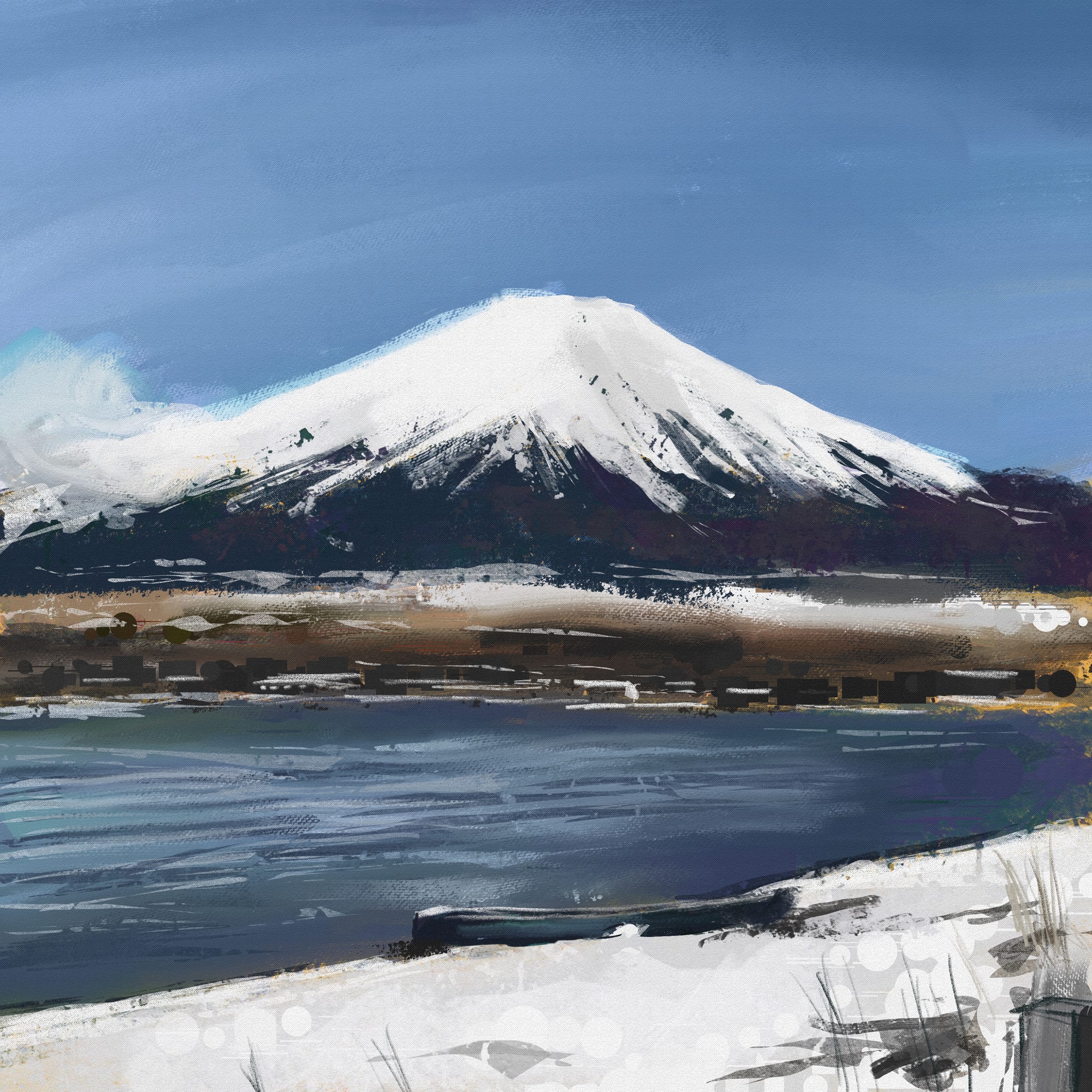
Another app for the iPad, but also available for Android devices, Infinite Painter is in some ways similar to Procreate, but the brushes... well, the brushes are something else. I dare to say I prefer Infinite Painter's brush engine better than the Procreate one, but nonetheless both are awesome.
Like Rebelle and Procreate, Infinite Painter also is not a subscription based app. Infinite Painter is just $9.99, full price.
Outro
What about Photoshop? I'm not longer using Photoshop, since its maker decided to go on a super weird route, betraying their customers in prol of a hype machine which I don't even wanna talk about it here.
Instead, I've been trying two alternatives; CLIP STUDIO PAINT and Krita. The latter is free! I literally started using Krita this past week. More on that on a future post.
Cheers!