How to render MASH Color node with V-Ray
As the title implies
Quick tip for one thing I was struggling with a few moments ago.
I created a MASH network, applied the Color node and tried to render it using Maya V-Ray.
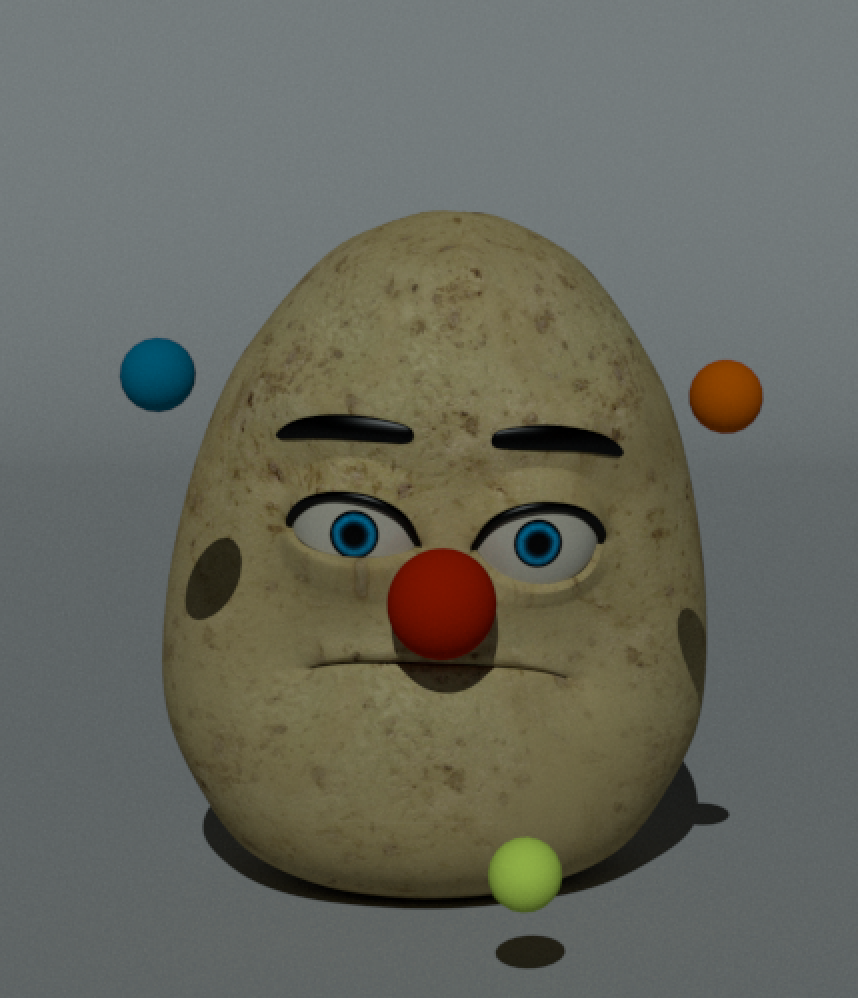
The output was not what I was expecting, V-Ray simply ignored the MASH Color node, as you can see in the image below (don't ask what is a potato with a clown nose is doing here):

After searching around the internet, I found the solution in this video from Mainframe North:
So, here are the steps based on the video above, in case you are unable to watch it:
- Create your MASH network the way you always do;
- Add the Color node;
- Next, select your geometry and apply a
VRay Mtl; - On the
Diffuse Colorparameter, add aVRay User Color; - Then, on the
User attribute nametypecolorSetand hit enter, and you're done!
Cheers!